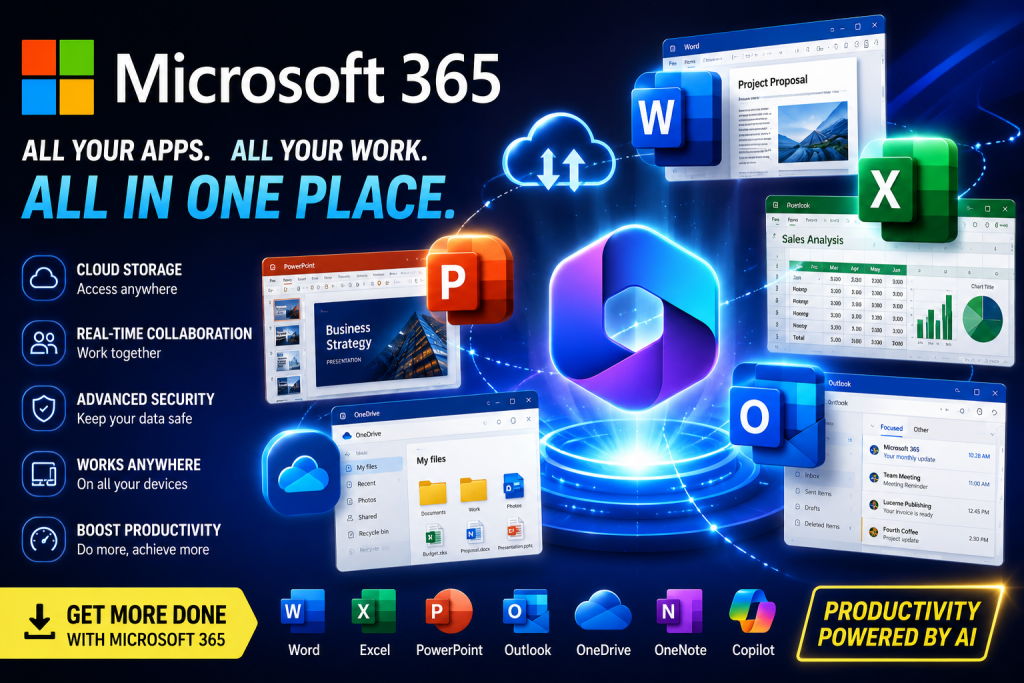
Learn about Microsoft Office 365, its productivity tools, cloud features, collaboration capabilities, and installation process. Explore Word, Excel, PowerPoint, Outlook, OneDrive, and more
Microsoft Office 365 for Windows – Complete Overview
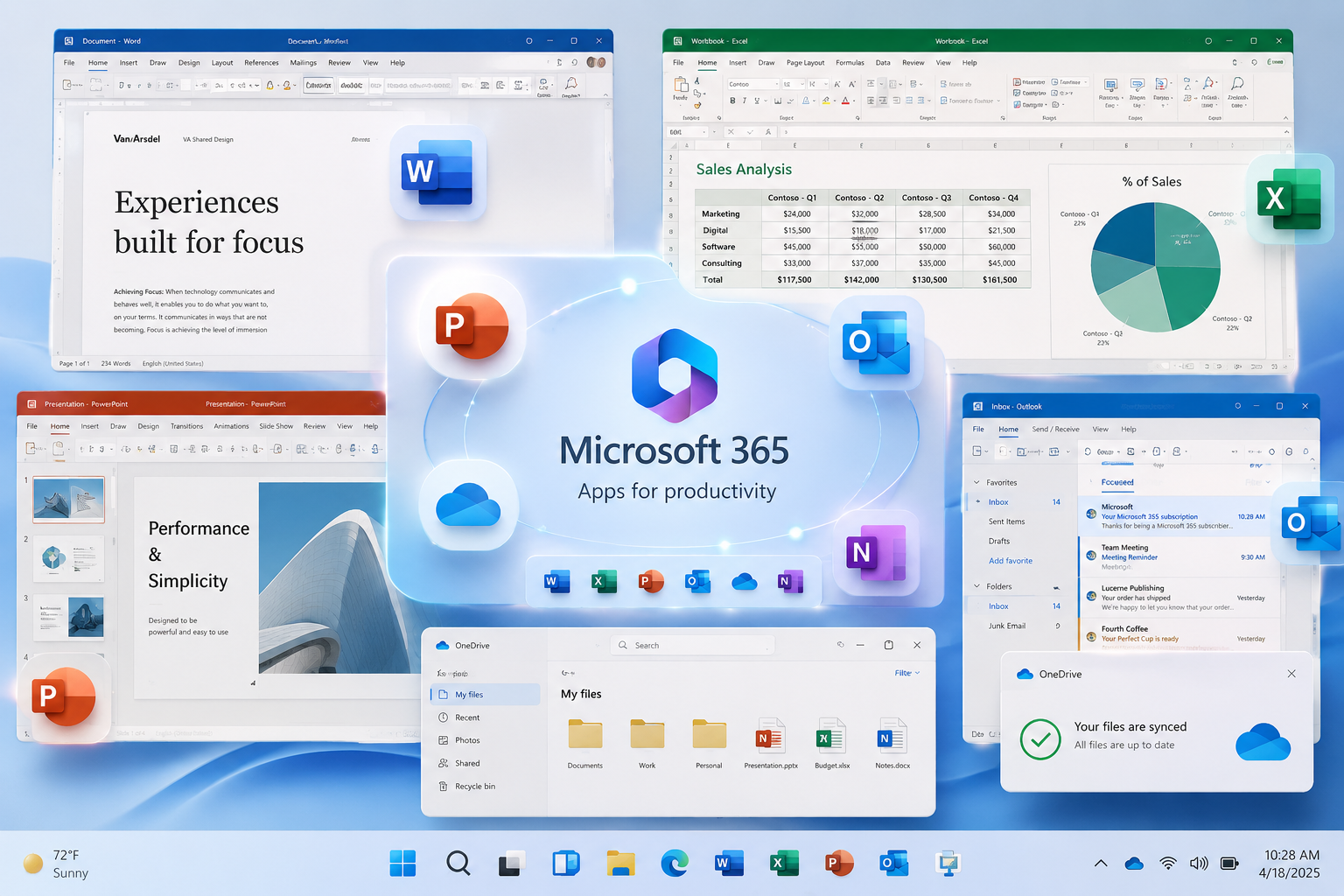
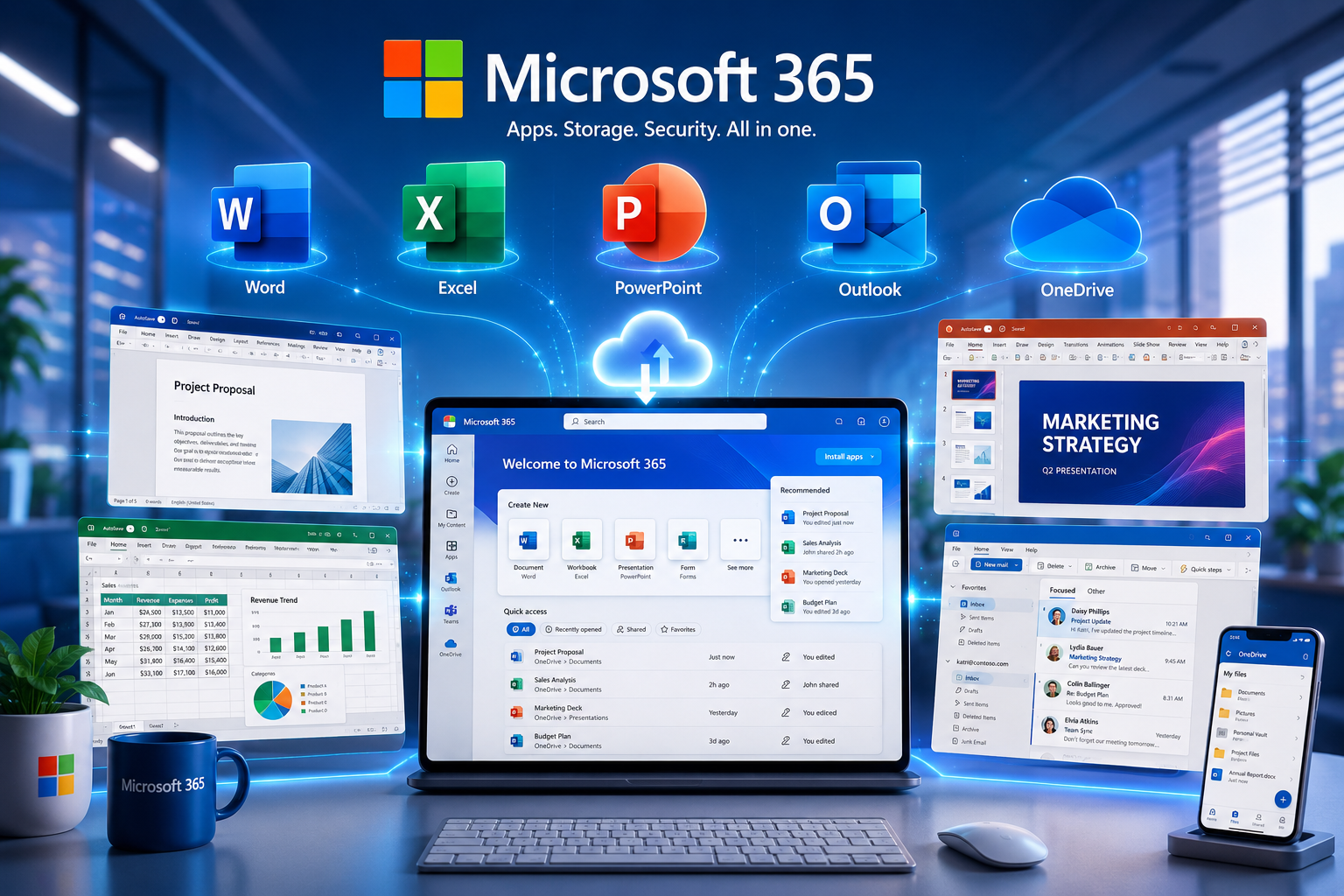
Microsoft Office 365, now part of Microsoft 365, is a cloud-based productivity suite designed for students, professionals, businesses, and organizations. It combines popular applications such as Word, Excel, PowerPoint, Outlook, and OneDrive with cloud storage, collaboration tools, and security features. Microsoft 365 allows users to create, edit, share, and manage documents across multiple devices.
Key Features of Microsoft Office 365
1. Popular Office Applications
Access industry-standard productivity tools including:
- Microsoft Word
- Microsoft Excel
- Microsoft PowerPoint
- Microsoft Outlook
- Microsoft OneNote
These applications are available across Windows, macOS, Android, and iOS devices.
2. Cloud Storage Integration
Microsoft 365 includes OneDrive integration, allowing users to store, sync, and access files securely from multiple devices.
3. Real-Time Collaboration
Users can collaborate on documents, spreadsheets, and presentations with teammates, making remote work and online learning more efficient.
4. Cross-Platform Support
Work seamlessly across desktops, laptops, tablets, and smartphones while keeping files synchronized.
5. Security & Productivity Tools
Microsoft 365 includes security features, cloud services, productivity enhancements, and business collaboration tools designed for modern workflows.
System Requirements
- Windows 10 or Windows 11
- Stable internet connection for activation and cloud features
- Microsoft account
- Sufficient storage space for installation
Who Should Use Microsoft Office 365?
- Students
- Teachers
- Office professionals
- Remote workers
- Small businesses
- Enterprise organizations
Why Choose Microsoft Office 365?
Microsoft Office 365 is one of the most trusted productivity platforms used by millions of people around the world. Whether you are a student, teacher, business owner, freelancer, or corporate professional, Microsoft 365 provides a complete set of tools designed to help you work more efficiently and stay organized.
The platform combines powerful desktop applications with cloud-based services, allowing users to access their files from virtually anywhere. Documents can be created on a desktop computer, edited on a laptop, and reviewed on a mobile device without losing progress. This flexibility makes Microsoft 365 a popular choice for both personal and professional use.
Enhanced Productivity
Microsoft 365 includes a variety of applications that help users complete daily tasks quickly and efficiently. Word can be used for document creation, Excel for data analysis and calculations, PowerPoint for presentations, Outlook for email management, and OneDrive for secure cloud storage. Together, these applications create a complete productivity ecosystem.
Seamless Collaboration
Modern workplaces require teamwork and communication. Microsoft 365 allows multiple users to collaborate on documents, spreadsheets, and presentations in real time. Team members can share files, leave comments, track changes, and work together regardless of their location. This makes it ideal for remote work, online learning, and distributed business teams.
Secure Cloud Storage
OneDrive integration provides secure cloud storage for important files and documents. Users can automatically back up their data and access files from different devices. Cloud synchronization helps reduce the risk of losing important information due to hardware failures or accidental deletion.
Regular Updates
One of the major benefits of Microsoft 365 is access to the latest features and improvements. Users receive regular updates that enhance performance, security, and compatibility. This ensures that applications remain optimized for modern operating systems and productivity needs.
Cross-Platform Compatibility
Microsoft 365 supports multiple platforms, including Windows, macOS, Android, and iOS. Users can switch between devices while maintaining access to their documents and settings. This cross-platform compatibility makes it easier to stay productive wherever work takes place.
User-Friendly Interface
The software features a clean and intuitive interface that is suitable for beginners and advanced users alike. Familiar navigation, helpful templates, and built-in tools allow users to create professional-quality documents, spreadsheets, and presentations with minimal effort.
Ideal for Various Users
Microsoft 365 is suitable for students preparing assignments, teachers creating educational materials, businesses managing operations, and professionals handling daily workloads. Its versatility and reliability have made it a standard productivity solution across many industries.
Final Thoughts
Microsoft Office 365 continues to be a leading productivity suite thanks to its powerful applications, cloud integration, collaboration features, and regular updates. By combining essential office tools with modern cloud technology, Microsoft 365 helps users stay productive, organized, and connected in today’s digital environment.
Conclusion
Microsoft Office 365 remains one of the most widely used productivity solutions, offering powerful document creation tools, cloud storage, collaboration features, and cross-platform compatibility. Whether for education, work, or business operations, Microsoft 365 provides a comprehensive environment for productivity and teamwork.
How to Install Microsoft 365
Activate using a valid Microsoft 365 subscription or product key linked to your account.
Download the official Microsoft 365 installer from Microsoft’s website.
Run the downloaded .exe file.
Sign in with your Microsoft account.
Select Install Office.
Wait for the installation to complete.
Use extra bat file to use properly